Finding DFC in the portal
Signing in to the sales demo instance and reaching the DFC module.
-
Sign in at portal.pronetx.com. The link selects the demo instance for you.
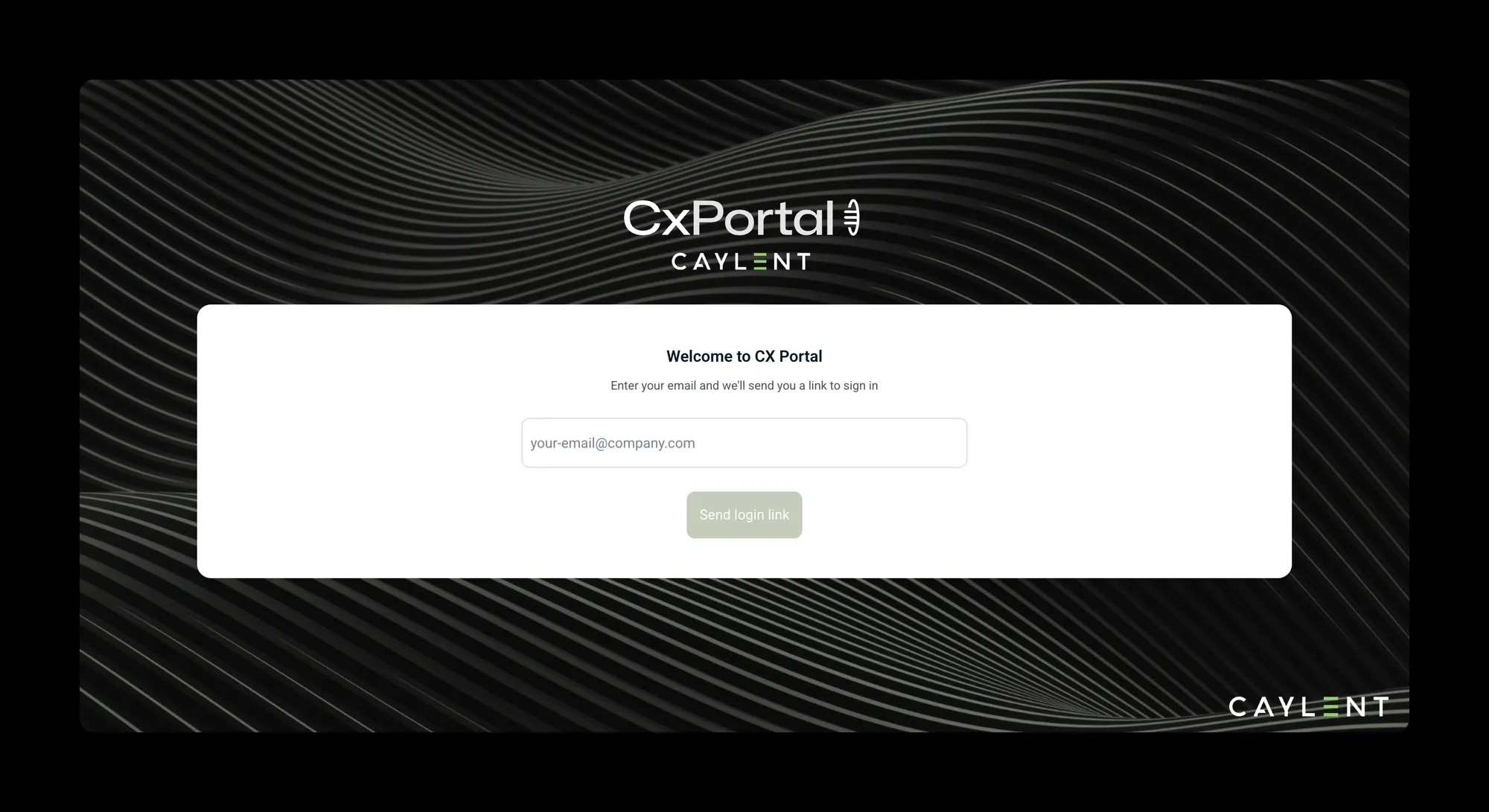
Sign-in is by emailed link, so there is no password to ask anyone for. -
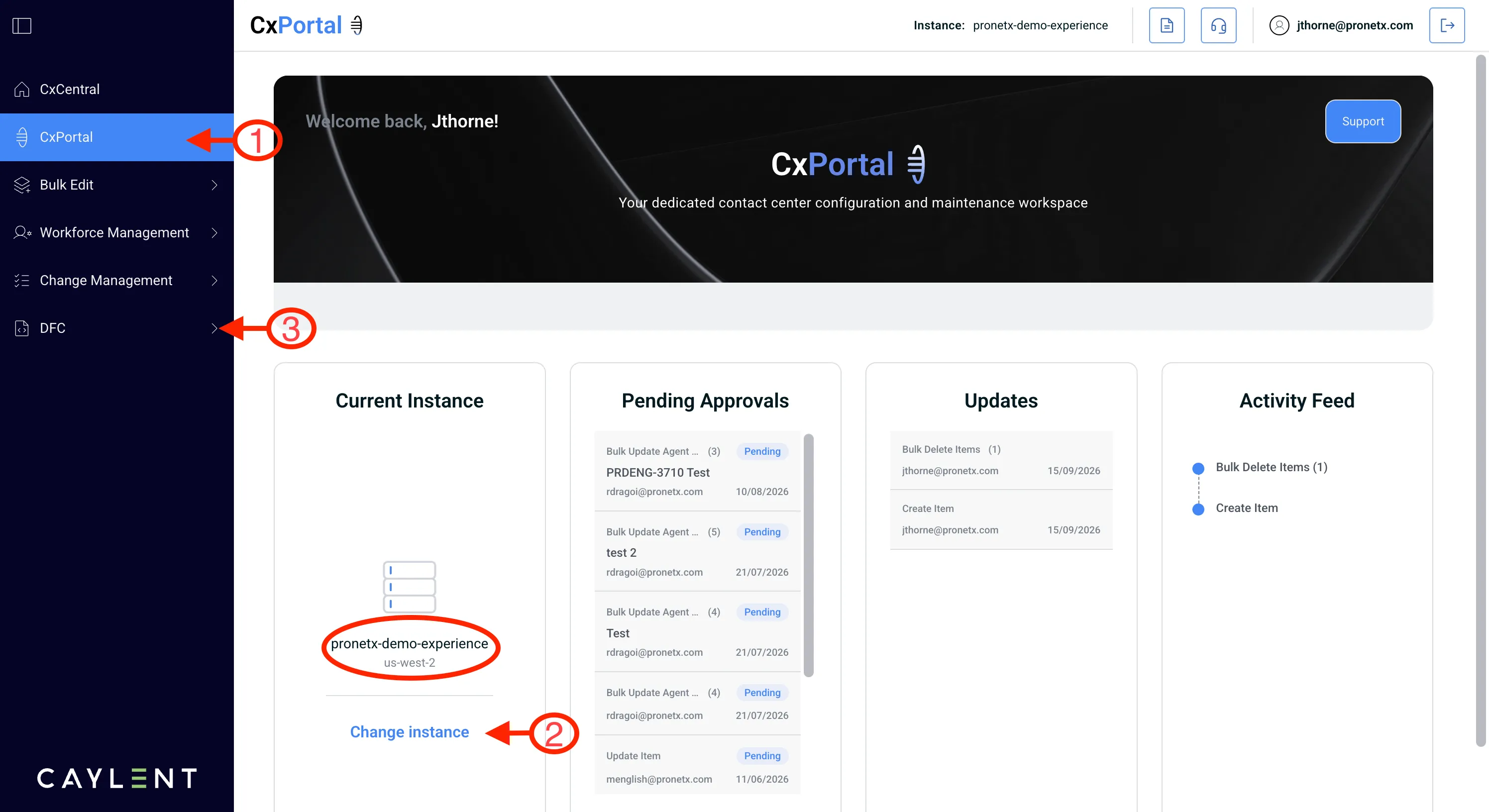
Check which instance you are on, and switch to pronetx-demo-experience if you are not. The link above selects it, but if you were already signed in to another instance the portal keeps you where you were, and nothing in this workshop will match what you see.
-
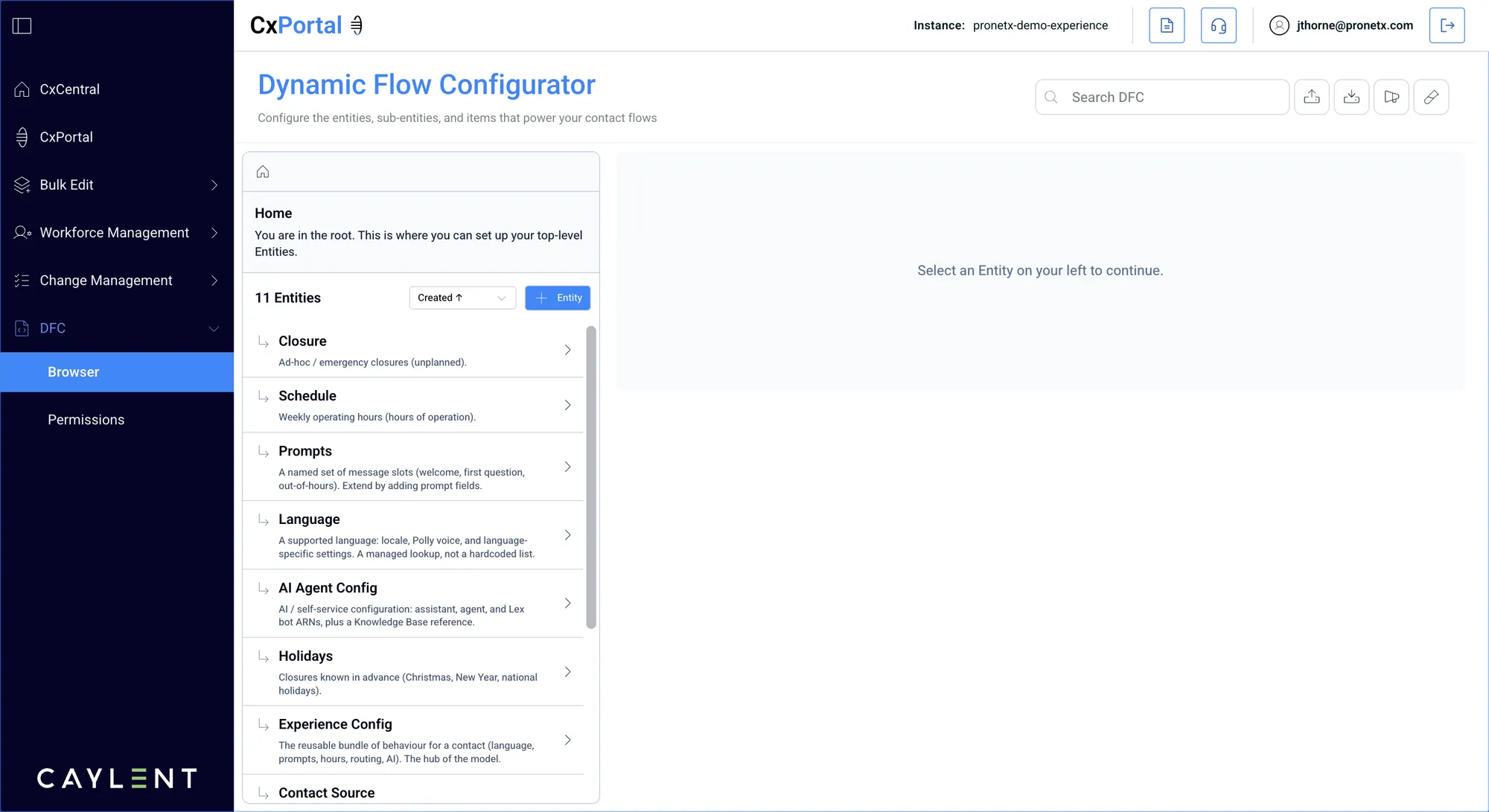
Open DFC from the left navigation, then choose Browser. That is where the entities and items are. Permissions next to it is for granting access and only appears if you are a DFC admin.
What you are looking at
The list is entities. An entity is a shape: it says what fields a record has. Inside each one
are items, the records themselves. Opening Routing Destination shows you every destination
configured on this instance.
DFC is a licensed module. If you cannot see it, your user has no DFC permission rather than the module being missing. You can raise a case to have it added, rather than changing your own role.