Call the demo flow
Call the demo line once, now, and note what it does. You will change it later and call again.
Before you touch anything, call the demo line and listen. Two minutes now makes the rest of the workshop land, because you will have the original in your head when you change it.
Call the demo number
- Dial +1 877 512 9713. It is toll free, so it costs nothing from within the US.
- Listen to the greeting, then follow the language menu.
The flow that answers is DFC Demo V1 - Inbound, which is the one you will read later in the workshop and the one to look for in Connect if you want to see what you just heard.
The inbound flow serves chat as well as voice. In the Connect console, open DFC Demo V1 -
Inbound and use Test chat, then type 1 or 2 where a caller would press a digit.
It exercises the same lookup and the same branching, but the flow sets its text-to-speech voice from DFC and two of its prompts are SSML, and chat renders neither. So a language change looks right even when the voice is wrong, and a prompt that would play as silence looks fine. Hear the voice version before you trust a prompt change.
The demo number is a US one, so dialling it from another country is an international call you pay for. The Amazon Connect softphone avoids that: Connect places the call, the audio goes over the internet from your browser, and it costs you nothing wherever you are.
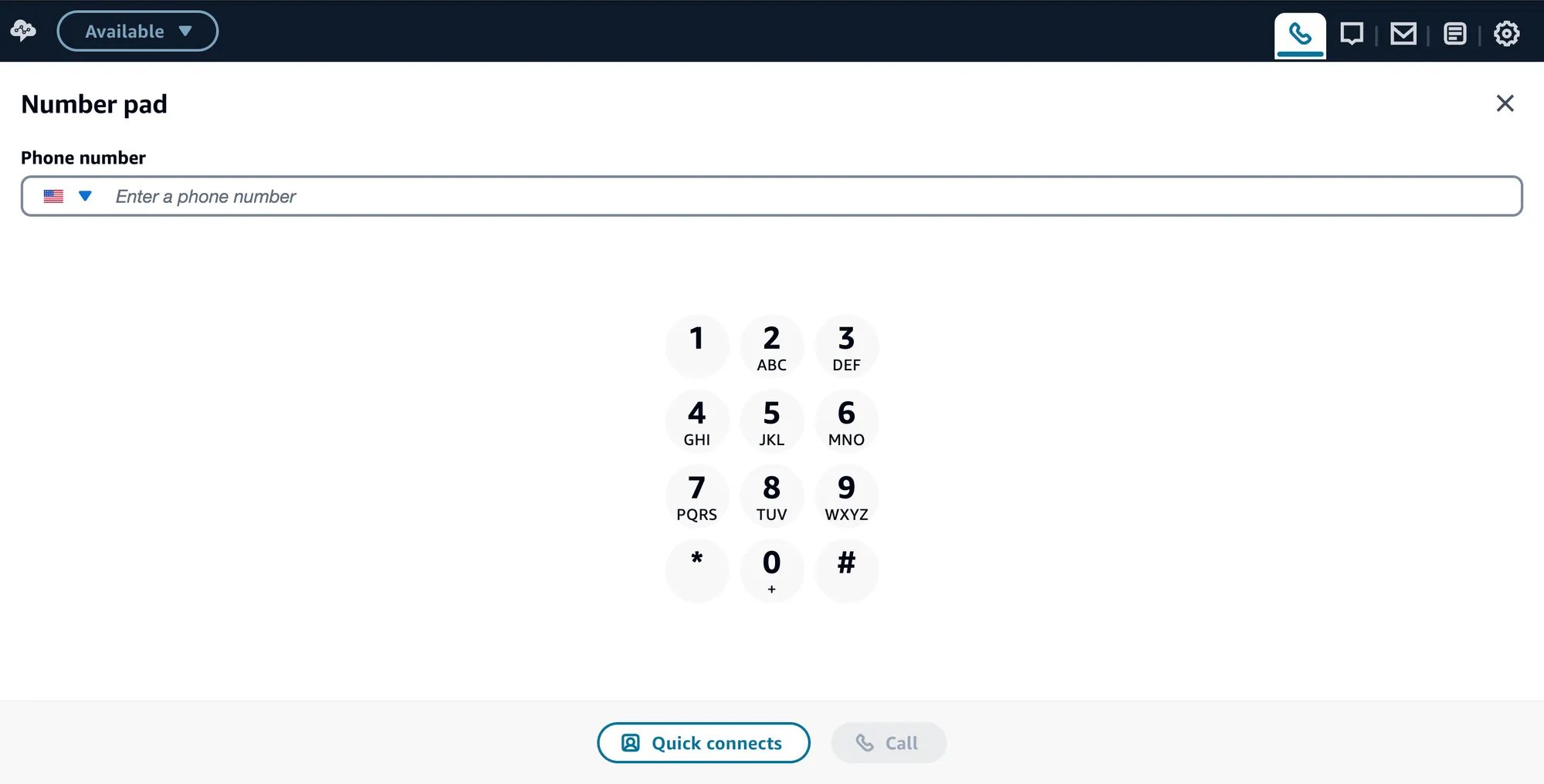
Open the Contact Control Panel for the demo instance, set your status to Available, open the Number pad, and dial +1 877 512 9713. The same pad sends the digits for the language menu once you are connected.
Confirm what you heard
- A welcome, in English: “Thanks for calling Pro Net X. Everything you hear on this call is read from configuration, not from the contact flow.”
- A language menu: “For English, press 1. Para español, oprima 2.”
- Press 1, and it confirms the experience and language, then transfers you to the Sales Desk queue.
- Press 2, and the same line comes back in Spanish: “Gracias por llamar a la línea de demostración de Pro Net X…”, in a Spanish voice.
Out of hours you get “Sorry, we are currently closed. Please call back during business hours.” instead of the menu.
If any of that differs, someone has changed the configuration since this was written, which is the whole point of the module and nothing to worry about. Note what you actually heard and compare against that at the end.
Every one of those came out of DFC. The flow asked one question and branched on the answer. That is the point of the next three modules.