Import and export
Moving configuration between instances, and seeding a new one.
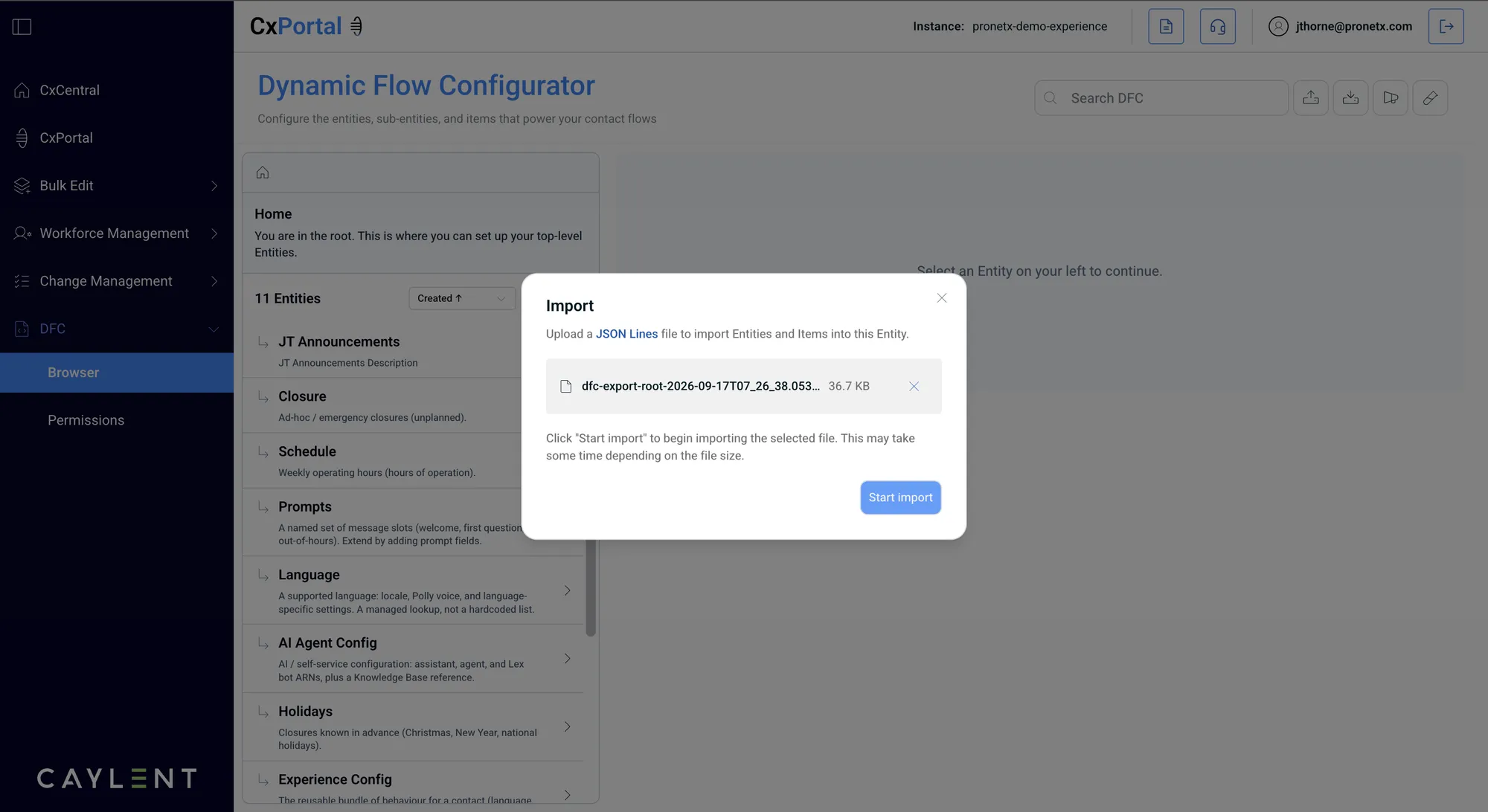
DFC exports entities and items as JSON Lines, one record per line, and imports the same format back. That is how configuration moves from a test instance to production, and how a new instance gets a starting set of entities rather than being built from nothing.
The buttons are the up and down arrows at the top right of the browser: up to import, down to
export. An export is named for what it covers and when it ran, such as
dfc-export-root-2026-09-17T07_26_38.
References need their entity in the same file
An item that points at another item only imports cleanly when the entity it references is in the import too. Exporting a single entity and importing it alone is the common way to lose references.